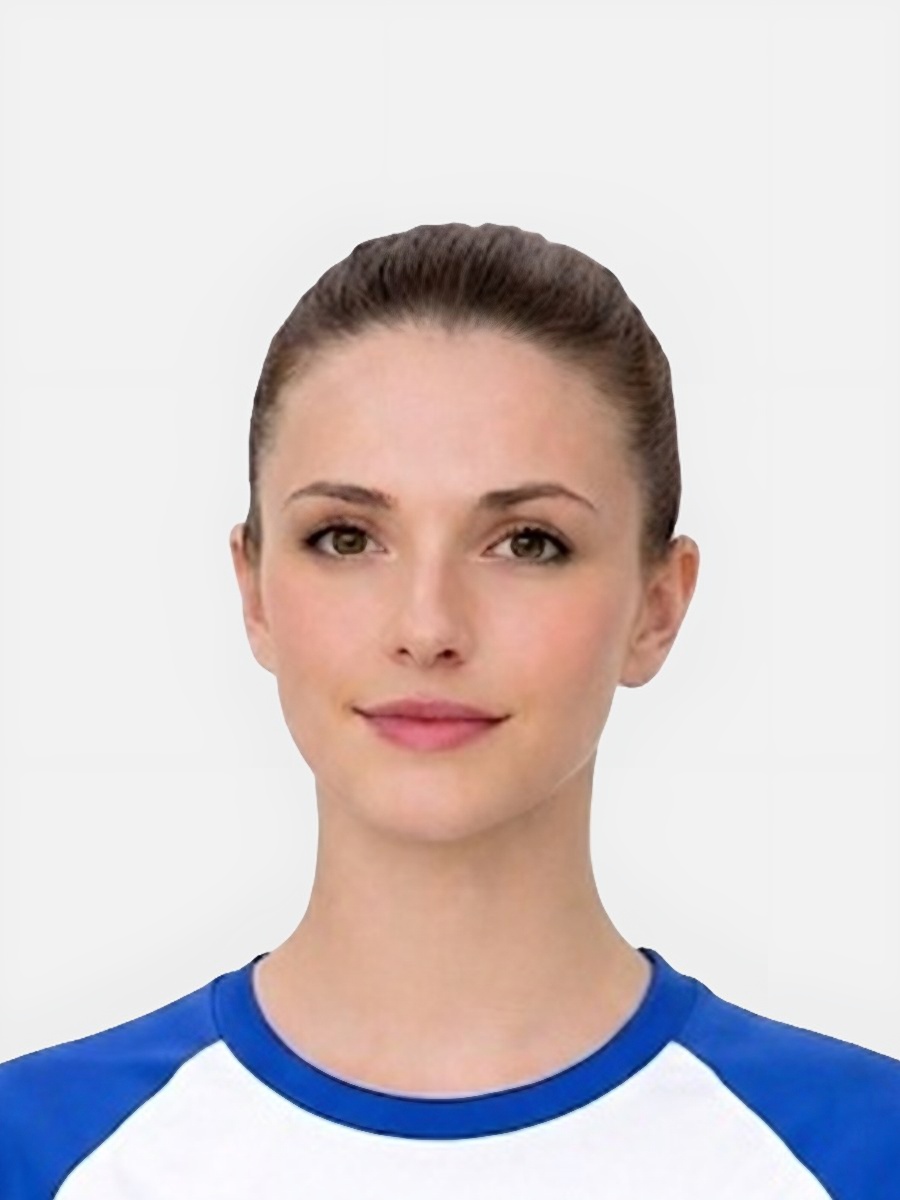
Most users do not need professional equipment. They need a calm setup and a better checklist.
- Stand or sit in front of a plain wall with enough distance to avoid harsh shadow edges behind the head.
- Use even light from a window or soft indoor lighting rather than a single strong lamp from one side.
- Hold the camera steady or ask someone else to take the photo so the image stays sharp.
- Take several shots and compare them rather than relying on the first acceptable-looking frame.
This is the part many users underestimate until the crop starts looking wrong.
- Keep the face straight toward the camera with a natural expression and clear visibility of the main features.
- Leave enough room around the head and shoulders so the final crop can be adjusted cleanly.
- Avoid low camera angles, high camera angles, or leaning that makes the head position look unstable.
- Remove obvious distractions from the frame before taking the photo, not afterward.
These are the reasons home photos often fail even when the user thinks the setup was fine.
- Strong shadow behind the head from standing too close to the wall.
- Motion blur from a dim room or a moving subject, especially with children.
- Busy background details that make cleanup harder and reduce confidence in the final result.
- Cropping too early and ending up with a head that looks too large, too low, or off centre.
A good how-to page should end with the next action, not with vague advice.
- Compare the photo against the requirements summary after capture.
- Use the preparation tool to improve background and framing where appropriate.
- Read the rejection library if a specific issue still stands out, such as blur or face position.
- Only move toward checkout once the source image looks consistently usable.
Can I really take a passport photo at home?
Yes. Many users do, but the photo still needs a clear face, steady framing, suitable light, and a plain enough background.
What room setup works best?
A plain wall, even lighting, and a sharp camera image are usually the safest starting conditions.
What should I avoid most?
Avoid shadows, blur, cluttered backgrounds, awkward face position, and severe cropping mistakes.
Should someone else take the photo?
That often helps, especially for babies and children, but a self-taken photo can also work if the setup is controlled carefully.
Prepare your photo before you submit it
Use the upload flow when you already have a source image, or keep exploring the guides if you still need to fix the setup first.