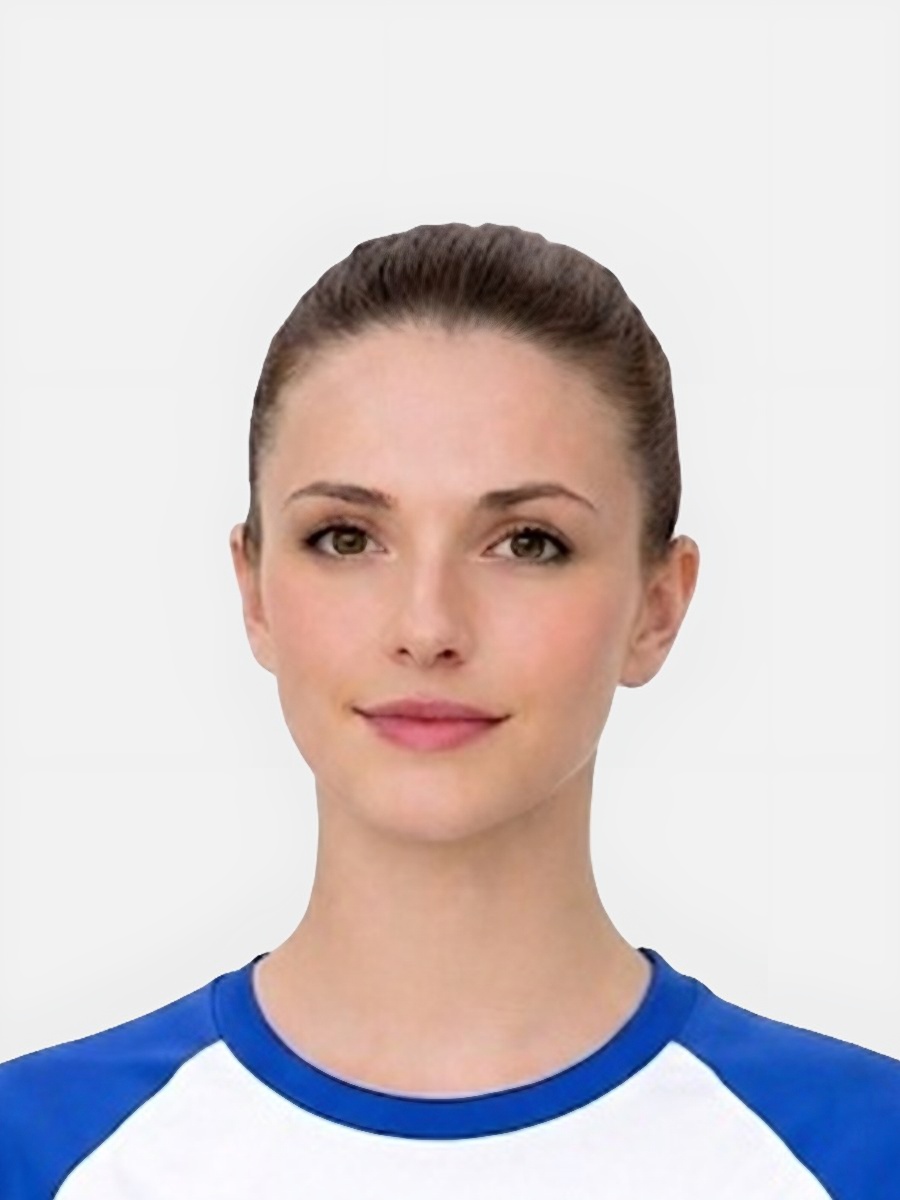
The same rules still matter, but the practical setup is much harder.
- Babies move unpredictably, so sharpness and centring are harder to control.
- Face visibility is often affected by blankets, adult hands, clothing, or awkward angles.
- Background control matters more because parents often improvise the setting at home.
- The page needs to reassure parents that the challenges are normal while still being specific about what to fix.
Parents are usually looking for workable advice rather than perfect theory.
- Use a calm moment with soft, even light and avoid rushing the photo session.
- Keep the background as plain as possible so the baby remains the only focal point.
- Take multiple frames because movement and expression change quickly.
- Check that nothing covers the face or creates confusing edges around the head and shoulders.
This is where the page wins trust and captures long-tail search demand.
- Baby is not centred, making the crop look awkward or inconsistent.
- Shadows fall across the face or background because the room setup is uneven.
- Hands, bedding, or toys creep into the frame and distract from the face.
- The image is soft because the baby moved during capture or the room was too dim.
This section should move worried parents toward a sensible next step.
- Choose the clearest frame rather than trying to rescue the weakest one.
- Run the photo through the preparation flow to improve crop and background consistency.
- Use the requirements page if you want to double-check the basics after seeing the result.
- Retake the photo if the face is blocked or the image is visibly blurred.
Is a baby passport photo harder than an adult one?
Yes. Positioning, movement, and facial visibility are harder to control, so baby photos need more practical guidance.
Can the baby lie down for the photo?
Many parents try that approach. The important point is still a clear face, suitable background, and strong visibility of the main features.
What goes wrong most often in baby photos?
The most common issues are shadows, blocked facial visibility, poor centring, cluttered backgrounds, and blur caused by movement.
Should baby and child pages be separate?
Yes. Search intent and practical setup differ enough that the advice should be distinct.
Prepare your photo before you submit it
Use the upload flow when you already have a source image, or keep exploring the guides if you still need to fix the setup first.