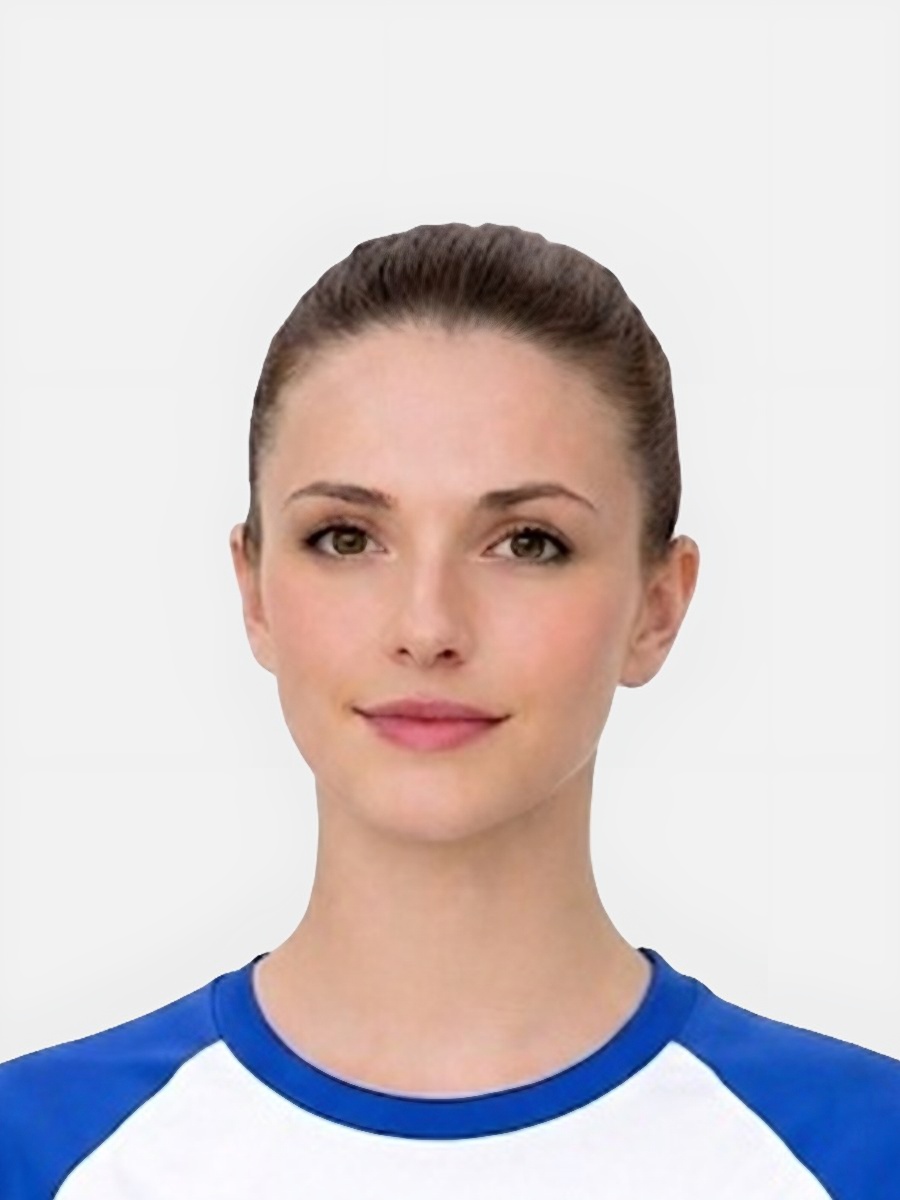
Shadow rejection usually refers to visible dark areas around the face or background that make the photo look uneven.
- A heavy shadow behind the head often comes from standing too close to the wall.
- Side lighting can darken one half of the face and reduce clarity.
- Uneven room light makes the image look inconsistent even if the crop is correct.
- Users often notice the shadow only after the photo is reviewed at full size.
The problem is not cosmetic. It changes how clearly the face and background can be assessed.
- Strong shadow edges make the background look less plain and less reliable.
- Deep facial shadows hide details and reduce even visibility across the face.
- Shadows can create false outlines around the head, which then affects the apparent framing.
- The issue often appears alongside dimness or softness, which compounds the risk.
Fix the setup first, then decide whether editing is still worth attempting.
- Move farther from the wall so the shadow falls out more softly or disappears.
- Use broader, more even light rather than a single directional lamp.
- Retake the photo in a brighter room if one side of the face is clearly darker than the other.
- Use cleanup only when the original image is otherwise sharp and evenly exposed enough to work with.
Be explicit about the line between minor cleanup and a fresh capture.
- Retake if the face has deep shadow across important features.
- Retake if the background looks patchy or heavily divided into bright and dark zones.
- Retake if the photo is dim and soft as well as shadowed.
- Keep the existing image only if the shadow is light, the face is clear, and the crop is otherwise strong.
The page should end with a realistic product fit.
- It helps users evaluate whether the image is still worth preparing.
- It can improve background consistency when the source is already reasonably strong.
- It works best after the user understands the lighting problem rather than guessing.
- It links directly back to the general requirements and home-photo guidance for a better retake.
Can a shadow behind my head cause rejection?
Yes. Heavy shadow behind the head is one of the most common reasons a passport photo looks unacceptable.
Can shadow problems be edited out?
Minor background issues may be manageable, but deep facial shadows or severe contrast often require a retake.
What is the easiest way to avoid shadows?
Step farther away from the wall and use broader, more even lighting instead of a single side light.
Should I upload the photo anyway?
Only if the shadow is minor and the rest of the image is sharp, bright, and well framed. Otherwise retaking it is safer.
Prepare your photo before you submit it
Use the upload flow when you already have a source image, or keep exploring the guides if you still need to fix the setup first.