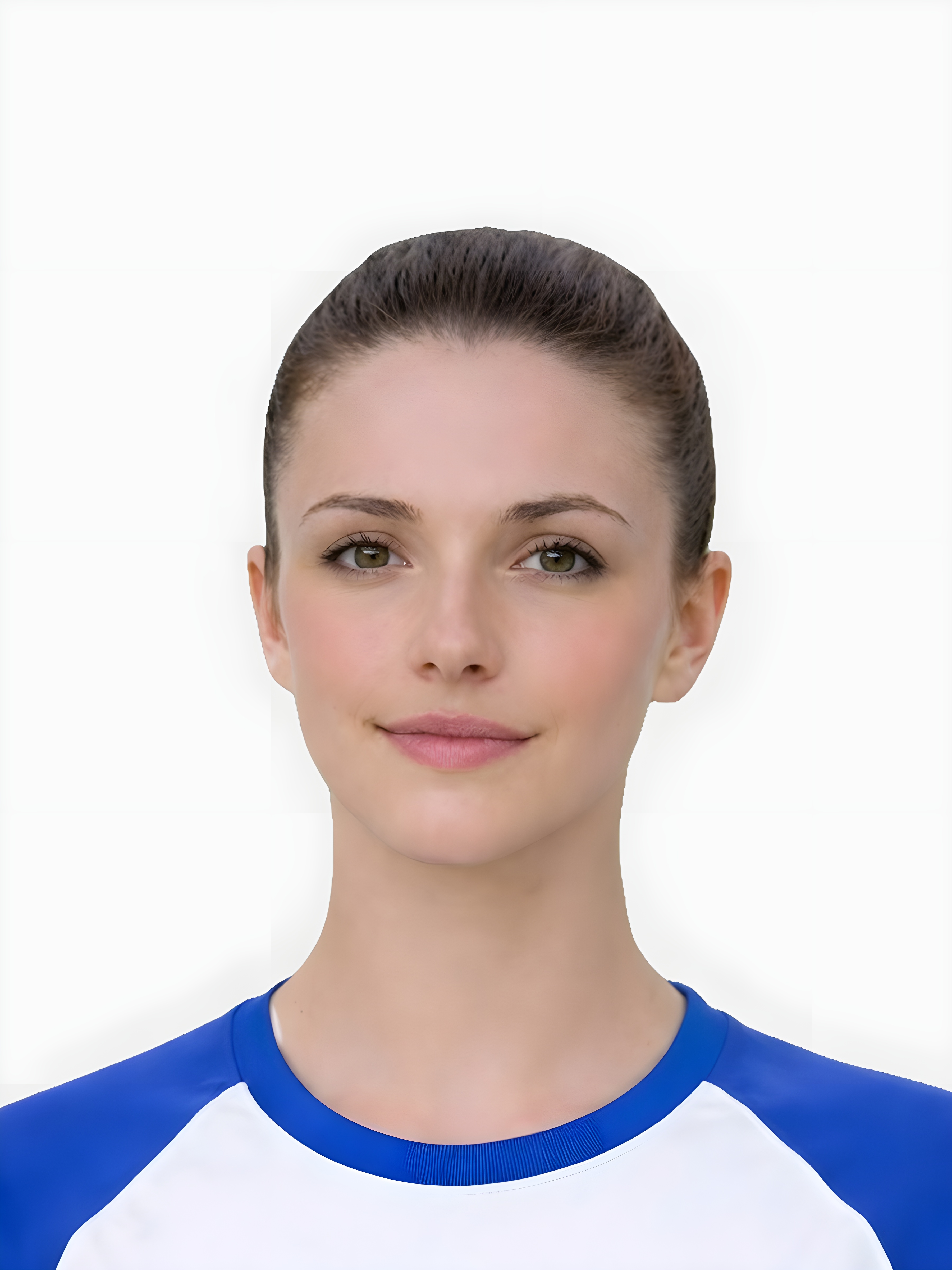
Children are easier to position than babies, but the photo session can still break down quickly.
- Children often move or change expression between frames, which affects sharpness and consistency.
- The background may be plain, but the crop can still fail if the head position shifts from side to side.
- Parents often assume any calm-looking photo will work, even if the lighting is dim or the face is slightly angled.
- The page should explain those risks in simple terms and move the user to action quickly.
The practical goal is a short, low-friction session with a few strong frames to choose from.
- Use simple lighting and a plain background before bringing the child into position.
- Keep the camera level with the face rather than shooting from above or below.
- Take several frames in quick succession so you can choose the sharpest, calmest image.
- Avoid overcoaching expression. A natural calm look is usually the safest result.
This section gives the page real search value for parents troubleshooting a difficult session.
- Face position drifts off centre because the child looks away or shifts posture.
- Motion blur appears even when the child seems mostly still.
- A strong smile, frown, or half-turned face changes the image more than expected.
- Lighting is bright on one side and dull on the other, creating uneven facial detail.
The path should be obvious once parents have a reasonable starting image.
- Choose the best frame before doing any cleanup or crop adjustments.
- Use the preparation tool to improve the background and final framing.
- Compare the result against the requirements hub if anything still looks uncertain.
- Retake the image when the face is clearly soft, heavily angled, or too inconsistent to fix.
Is a child passport photo different from an adult one?
The core standards are similar, but children create more practical capture issues around movement, centring, and expression.
Can my child smile?
A calm and natural expression is usually the safest route. Avoid exaggerated smiles or expressions that change the face noticeably.
What if the child keeps moving?
Take multiple photos in good light and choose the clearest frame rather than trying to salvage a visibly soft image.
Why split child and baby pages?
Because the search intent and the practical advice differ enough that one generic family page becomes less useful for both groups.
Prepare your photo before you submit it
Use the upload flow when you already have a source image, or keep exploring the guides if you still need to fix the setup first.