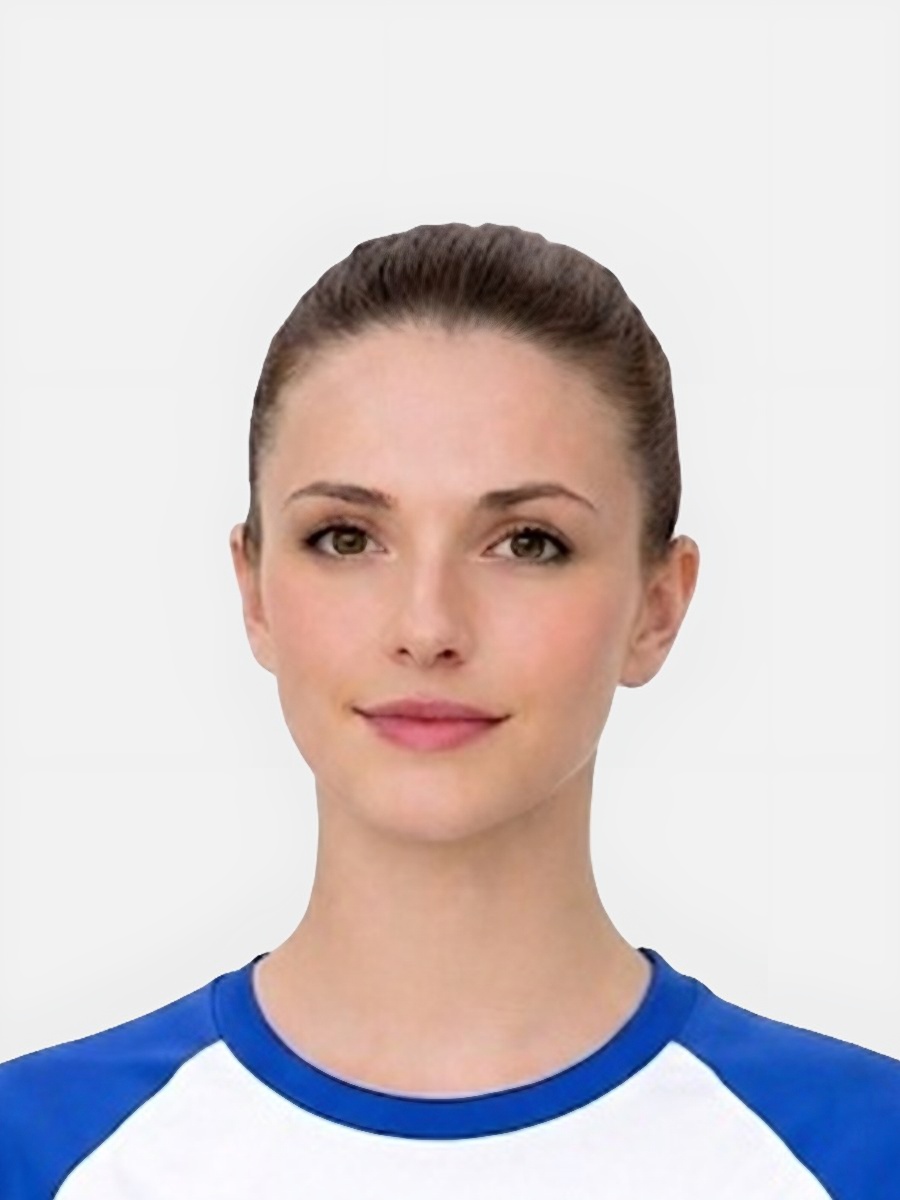
Background rejection is broader than users often expect.
- The wall may have texture, picture frames, curtains, or furniture edges visible behind the subject.
- The background may be too dark or too close in tone to the hair or clothing.
- Strong shadow can turn an otherwise plain wall into an uneven backdrop.
- The person may be standing too close to the wall, making separation harder.
The background is supposed to keep the focus on the face and make the final image easy to assess.
- Busy detail around the head weakens the clean outline of the subject.
- Dark patches or strong contrast make the image look inconsistent.
- Poor separation can make hair and shoulders blend into the backdrop.
- Background problems often signal a weak overall setup, which can coincide with blur or poor lighting.
Good fix advice starts before any software step.
- Choose the plainest wall available and remove objects or patterned items from the frame.
- Use more even light so the wall does not break into bright and dark sections.
- Step away from the wall to reduce shadows and improve separation around the head.
- Use cleanup only when the face itself is already clear and the background issue is moderate rather than severe.
Do not pretend that every background can be repaired cleanly.
- Retake if the wall is heavily patterned or the scene includes clear objects behind the subject.
- Retake if dark hair or clothing blends heavily into a dark background.
- Retake if deep shadows divide the backdrop into uneven bands.
- Keep the image only if the background is close to plain and the subject is already separated clearly enough.
This product fit statement should be practical and honest.
- It helps improve the final presentation when the source image is already reasonably clean.
- It gives users a route from diagnosis to action without making exaggerated promises.
- It works best when the user has already taken a photo with a decent wall and enough separation.
- It connects background troubleshooting to the main product page and the general requirements hub.
What type of background causes problems most often?
Patterned walls, visible household objects, dark backdrops, and strong shadows are among the most common background issues.
Can background cleanup rescue any image?
No. Cleanup works best when the original photo is clear and the backdrop is only moderately problematic.
Why does standing close to the wall make things worse?
Because it usually creates stronger shadow edges and makes the subject blend more tightly into the background.
Should I retake or upload first?
Retake first if the background is clearly cluttered or badly shadowed. Upload first only when the issue looks minor and the rest of the image is strong.
Prepare your photo before you submit it
Use the upload flow when you already have a source image, or keep exploring the guides if you still need to fix the setup first.